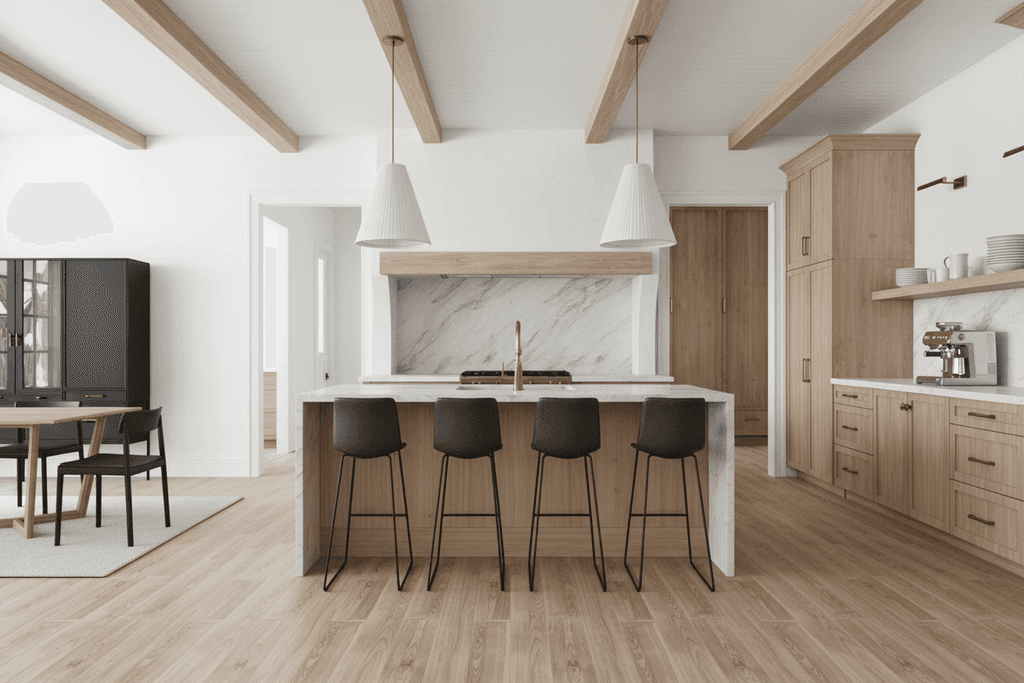
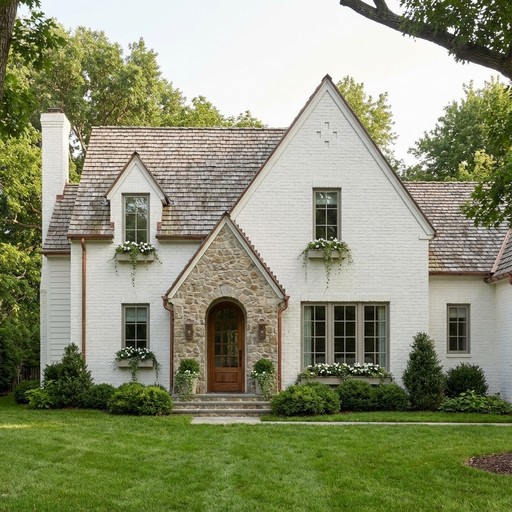
New
Import 3D Models
Turn sketches, elevations, and 3D models into photorealistic AI renders in seconds. Import OBJ, FBX, or GLB, set your view, and generate client-ready images. No complicated scene and lighting setup required.

Loved by 15,000+ architects & designers
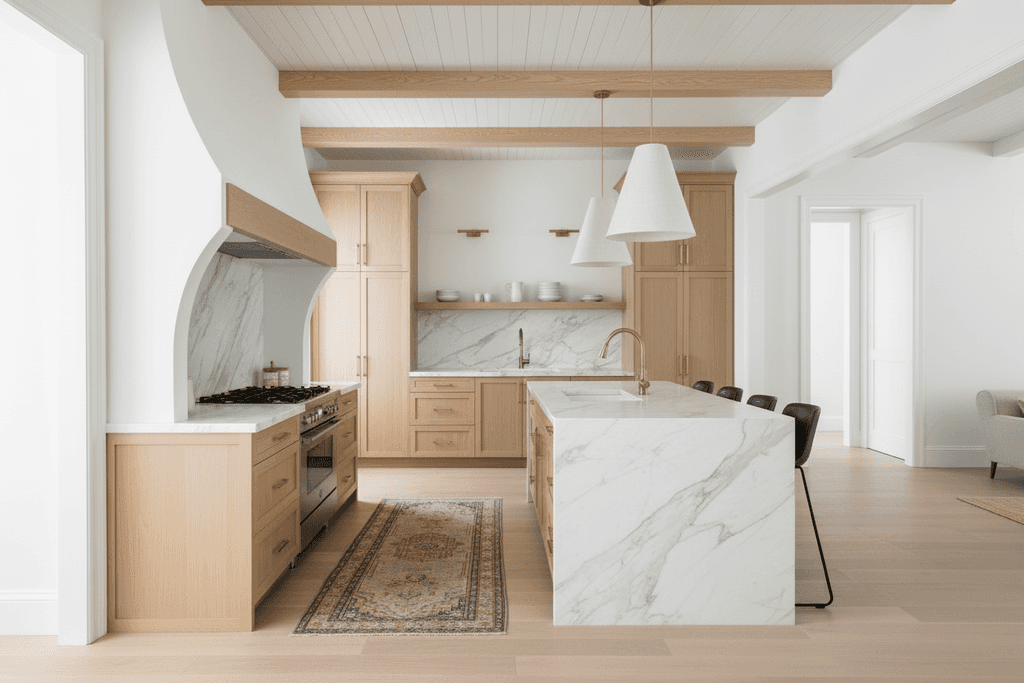
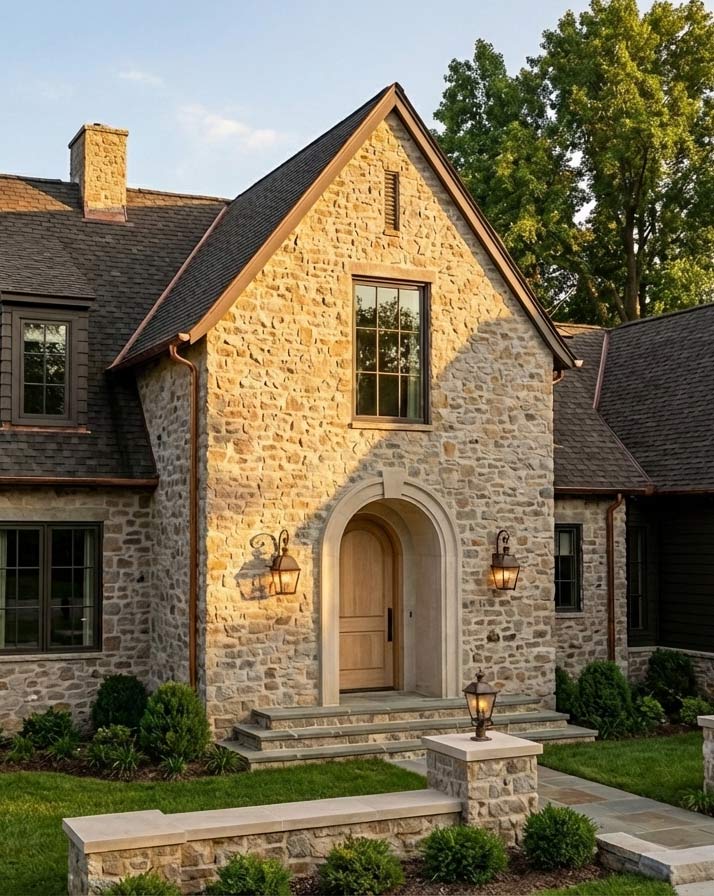

IMPORT & RENDER
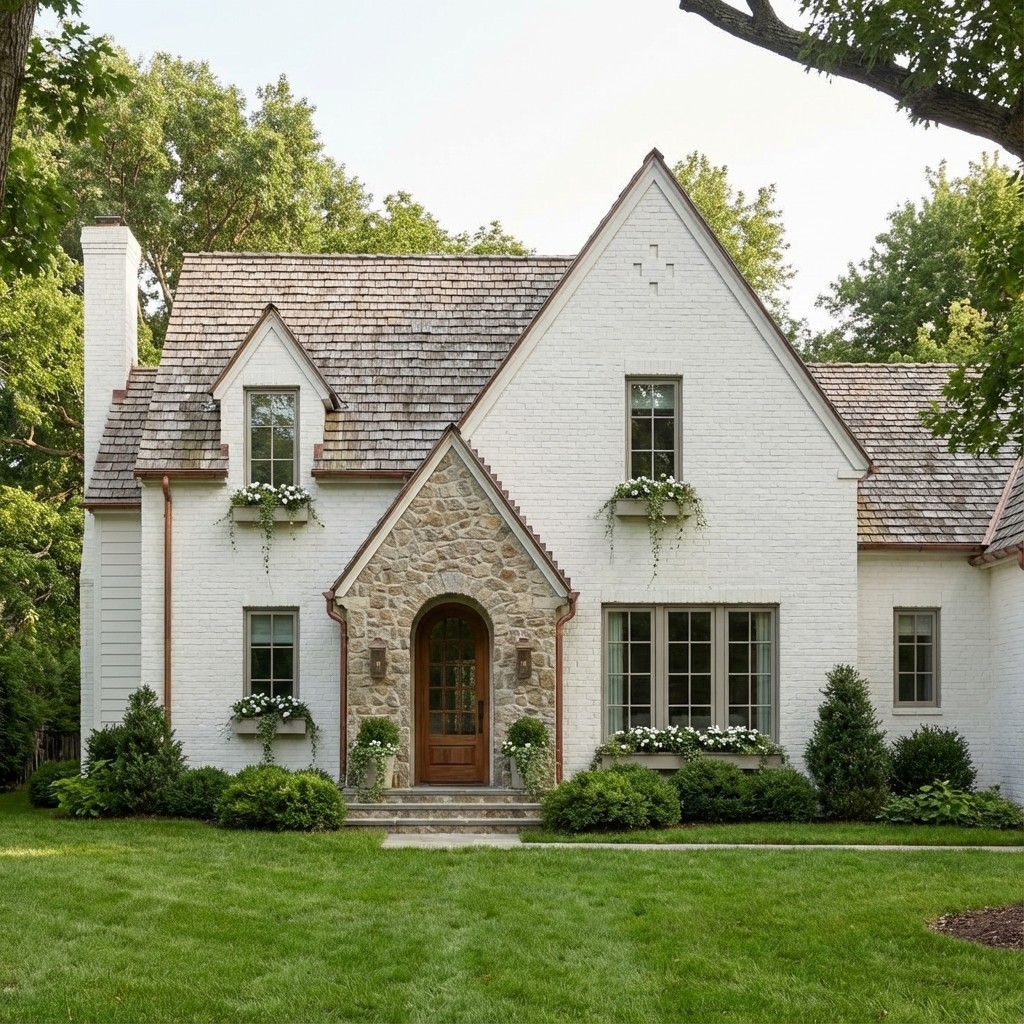
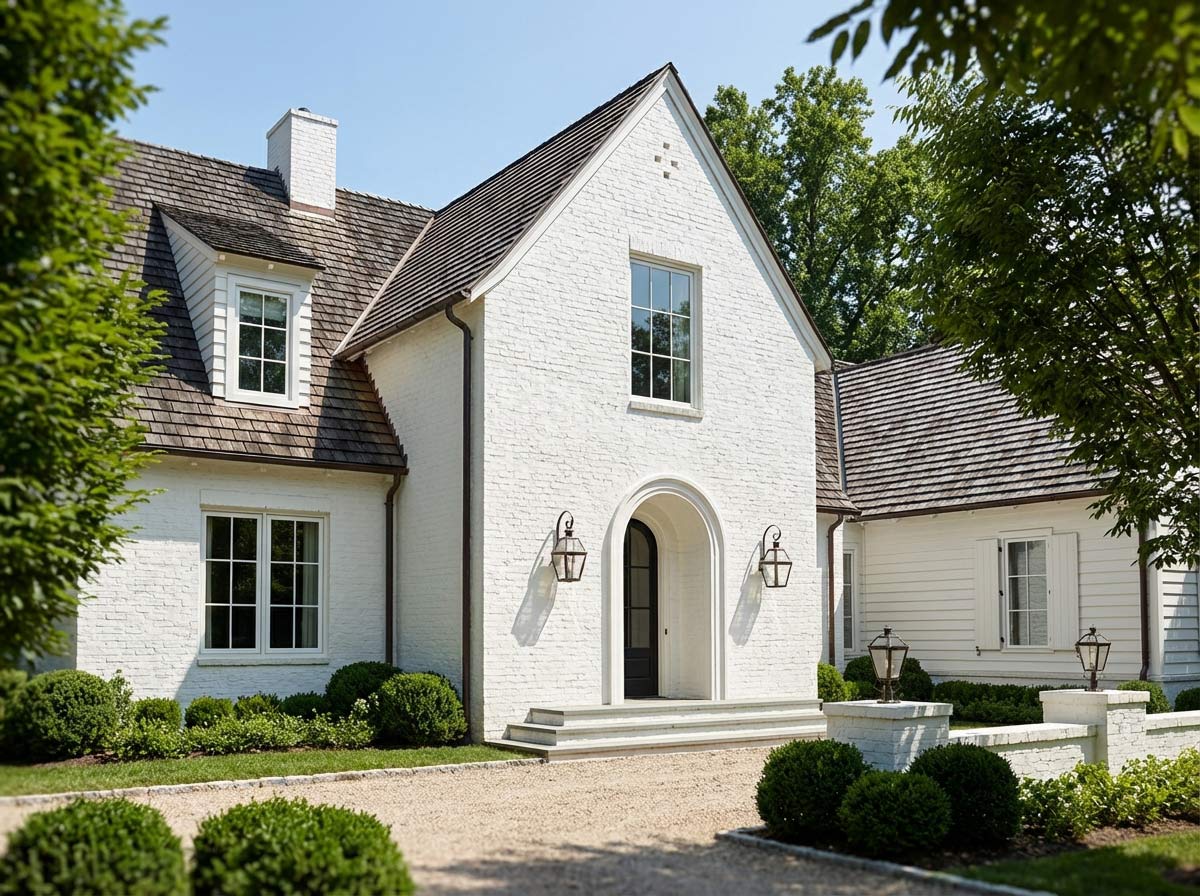
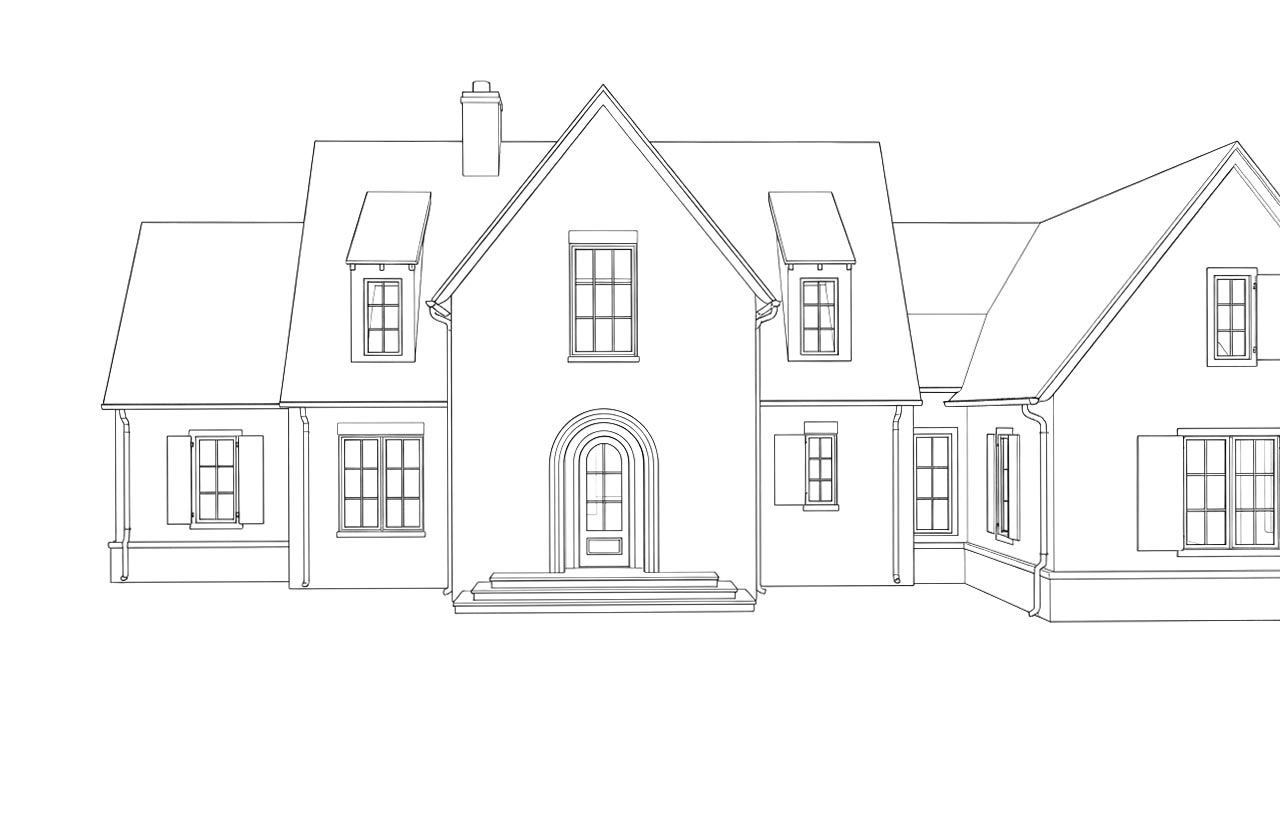
Elevation Drawing to Photorealistic Render
Drop in your elevation. Describe the materials. Get back a stunning render—just like that!
TESTIMONIALS
Loved by Thousands of Designers






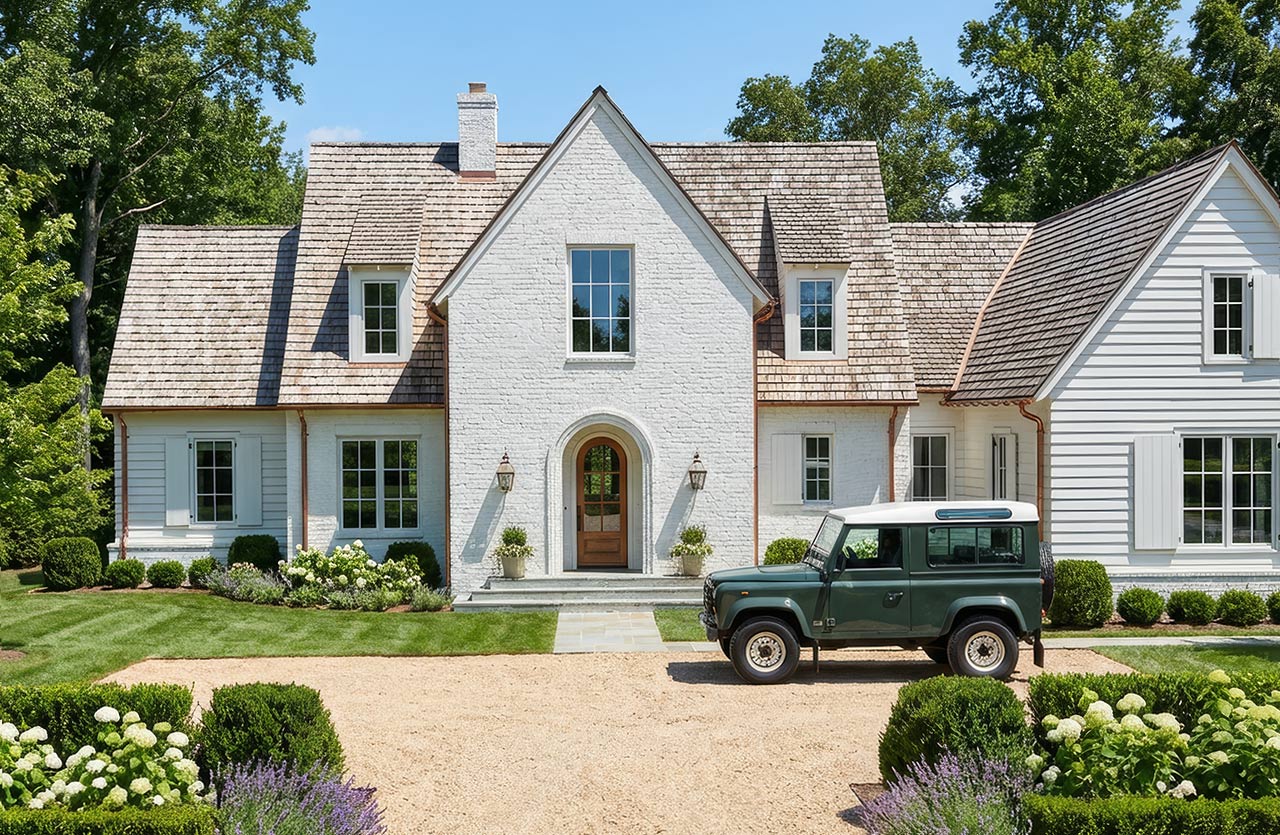
Season Control
Adjust the season to visualize designs in spring, summer, fall, or winter conditions, helping clients understand how a project looks year-round.
Time of Day
Control lighting conditions by setting the time of day to explore how light, shadows, and atmosphere affect the design.
Environment
Choose from different surrounding environments to place designs in context, from natural landscapes to more developed settings.
3D Model View Controls
Dial in your view before rendering. Change the angle, adjust the FOV, and set the ideal aspect ratio for export-ready scenes.
Exterior & Interior Mood Boards
Drop in a single inspiration board and the AI will interpret the colors, finishes, and style. Then translate them into your final image.
4K Upscaling
Turn any render into crisp, high-resolution 4K. Perfect for presentations, client proposals, and print-ready marketing.
Prompt-Driven Control
Use natural language to guide materials, style, mood, and lighting. Just describe the look you’re going for. ArchRender brings it to life.
Save Your Prompts
Save custom prompts and apply them to future renders instantly, keeping your unique style at your fingertips.
Edit Mode
Edit Mode lets you iterate, explore alternate styles, and perfect your vision, one click at a time.




IMPORT & RENDER
3D Model Import for Render AI
Import OBJ, FBX, or GLB from your design tools. Set angle, FOV, and aspect ratio—then generate 3D rendering AI results without scene setup.
Supported file types: OBJ, FBX, GLB
SIMPLE WORKFLOW
How it Works
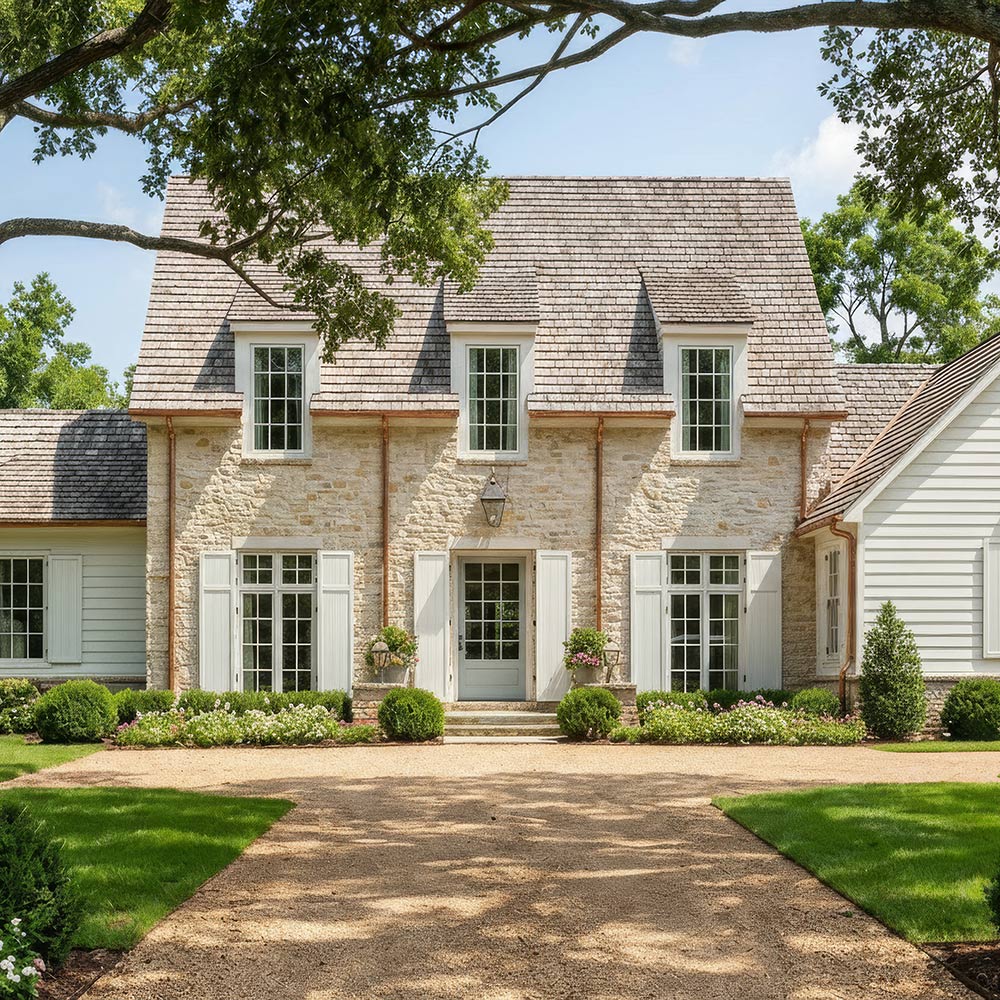
FAST RENDERS
ArchRender.ai produces visual results that traditionally require complex setups, long render times, and specialized rendering expertise.
Organize files and keep work moving without losing context.
Everything in One Place
All renders and source images are saved together inside a project, so files stay organized as designs evolve.
Version-Friendly Iteration
Generate multiple options, explore variations, and compare results without overwriting previous work
Built for Ongoing Work
Return to projects at any time to refine visuals, make updates, or continue where you left off — even weeks later.
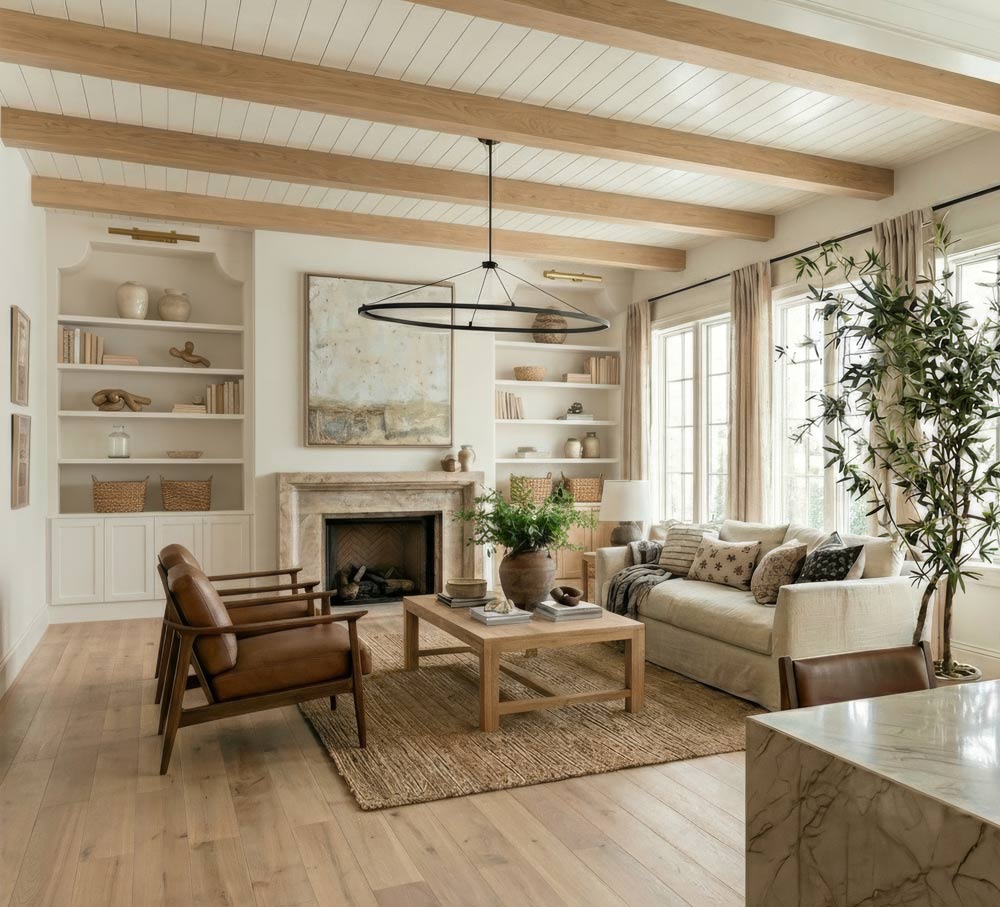
EXTERIORS & INTERIORS
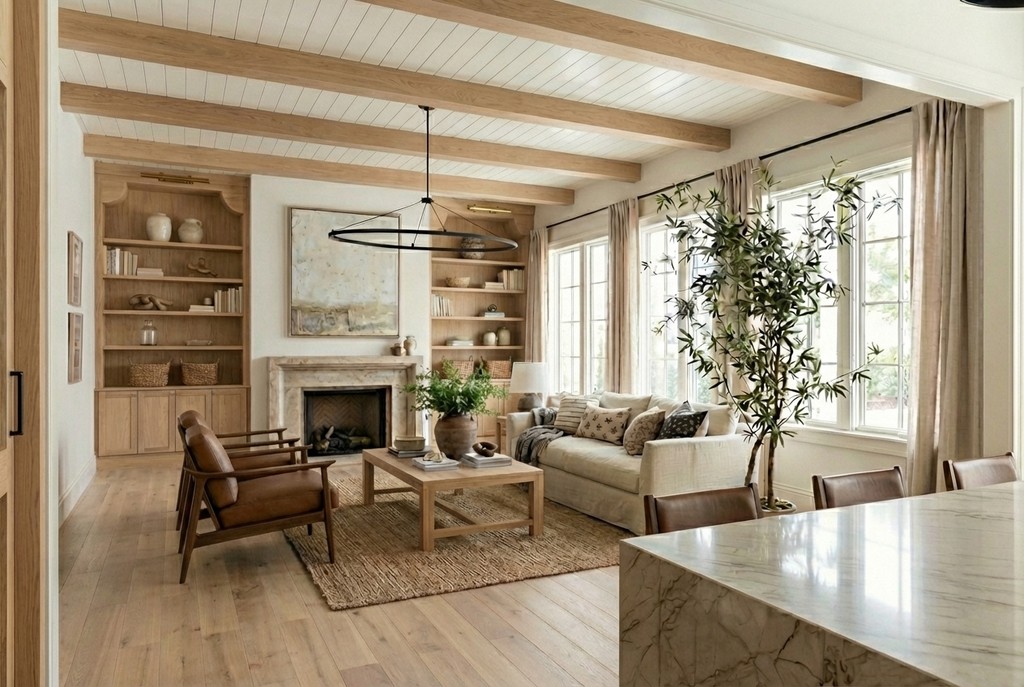
Architects and designers can instantly preview interiors from drawings or models. Perfect for client presentations or planning your own space.
Frequently asked questions
Find quick answers to common questions about ArchRender. Comparing tools? See ArchRender alternatives.
What is Render AI?
What is 3D rendering AI?
What is the best render AI for architects?
Can I import 3D models into ArchRender?
How is ArchRender different from other AI render tools?
Do I need rendering experience to use ArchRender?
How does the credit system work?
LIMITED TIME: 30% OFF
Flexible Pricing